

Introduction
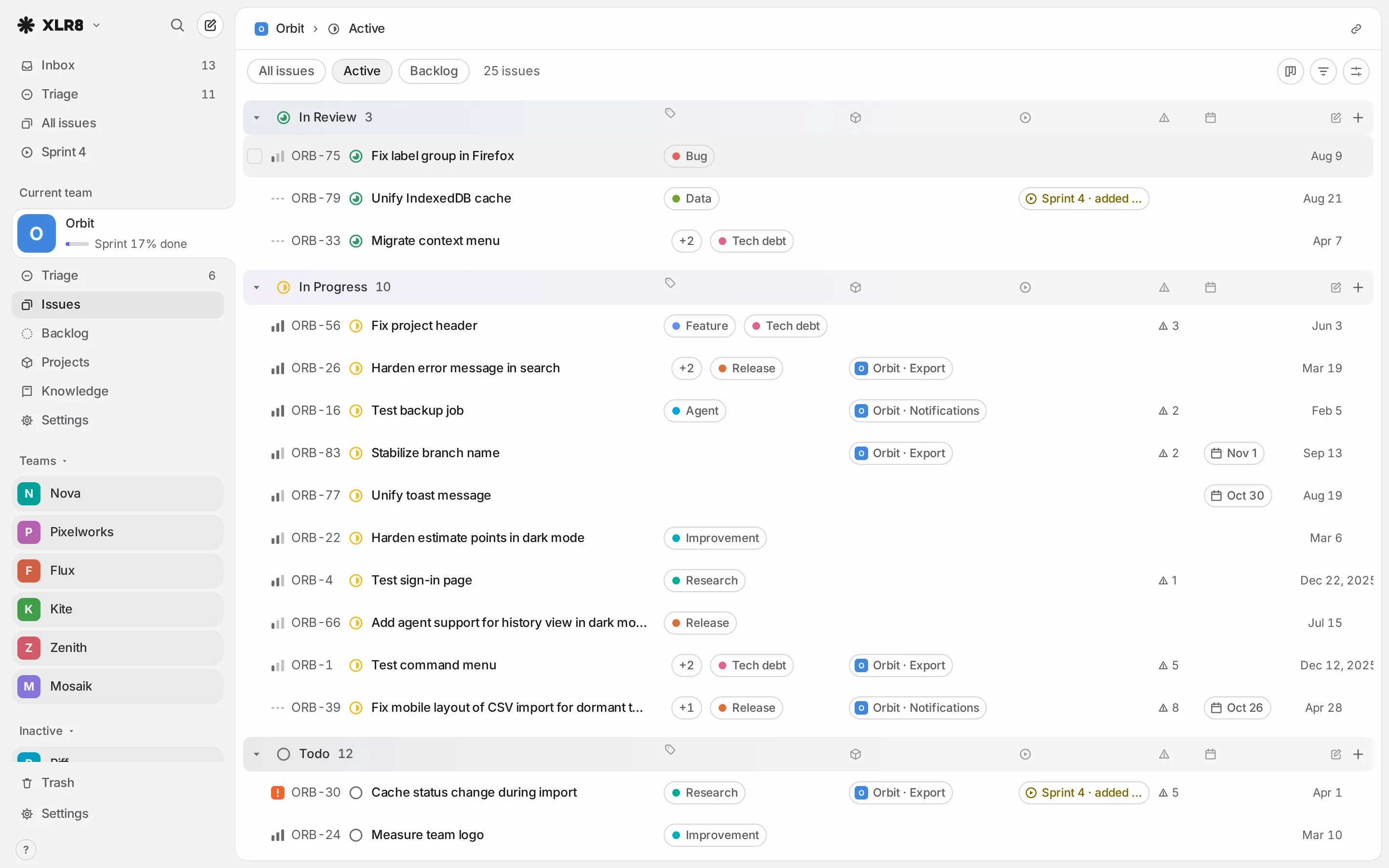
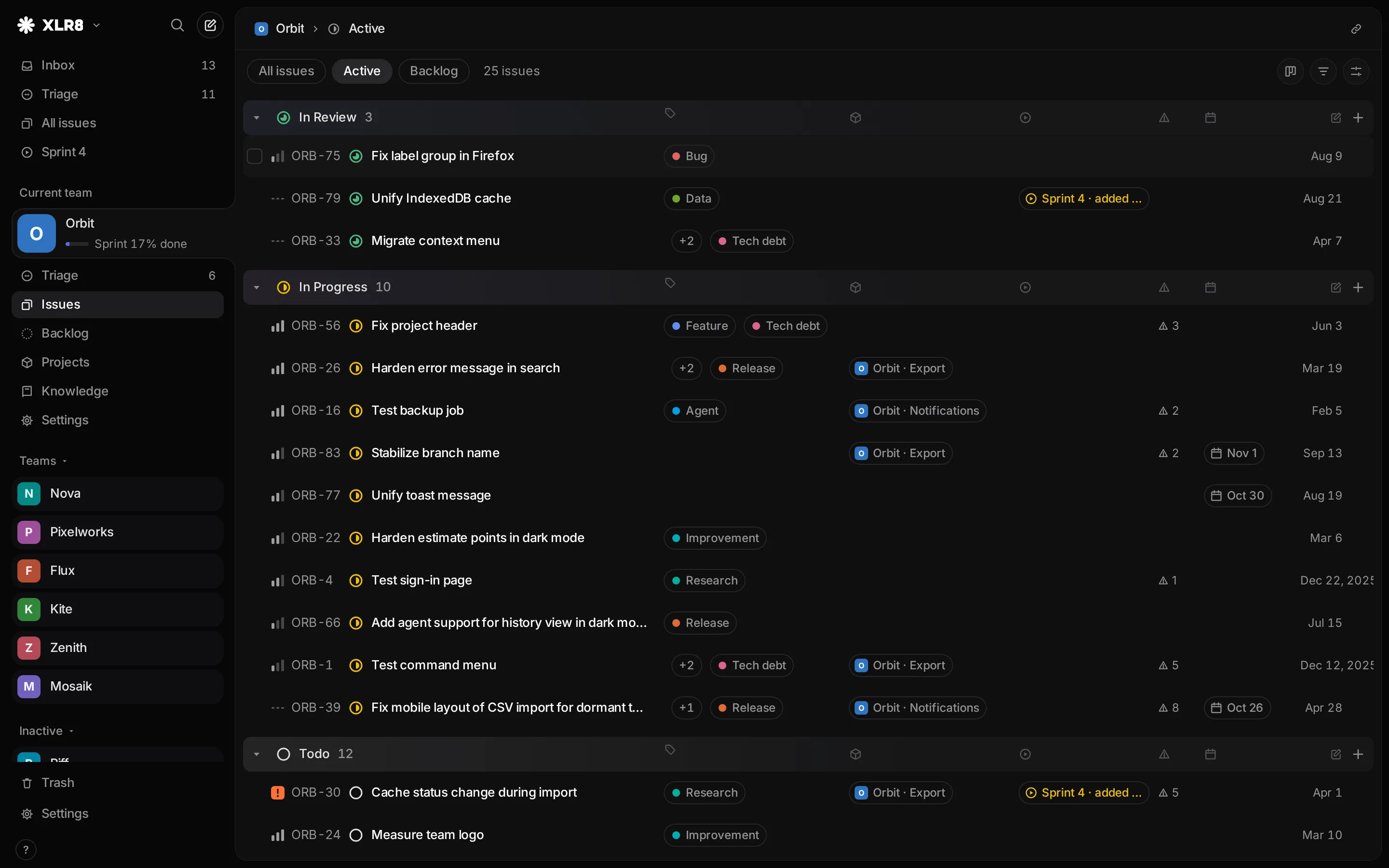
XLR8 is a fast, keyboard-first issue tracker for solo developers and their AI agents. You run your own copy of it: it is open source (AGPL-3.0), self-hosted, and keeps issues, sprints, projects and knowledge pages for one person in one place.
Who it is for
Section titled “Who it is for”- You build software mostly on your own and want a tracker that keeps up with your keyboard instead of slowing you down.
- You work with AI agents such as Claude Code, Codex, claude.ai or ChatGPT, and want them to read and write issues directly. Each agent gets its own key, and the history shows which agent changed what.
- You are fine with running it yourself. XLR8 needs a Convex account for the backend and a Clerk account for sign-in. There is no hosted version.
Every instance belongs to one owner. The backend lets in only the sign-in accounts listed in
XLR8_OWNER_IDS. You can list more than one account there, for example two ways you sign in, but they
all act as the same owner: XLR8 does not tell people apart. Small teams are not the target today.
What XLR8 is not
Section titled “What XLR8 is not”- Not a hosted service. There is no XLR8 cloud to sign up for. You deploy your own instance (see Self-hosting).
- Not a tool for collaboration between people. Issues have no assignees, and there are no user accounts, roles or permissions.
- Not a replacement for Jira or Linear in an organization. It covers what one developer and their agents need, and stays small for that reason.
- Not a native mobile app. XLR8 is a web app with a phone layout. You can install it on your phone or desktop and get push notifications.
The app keeps all data of your workspace in memory and renders from there, so most actions do not wait for the network. The budget is 100 ms at the 95th percentile for every interaction with 10,000 issues, measured on an idle machine. CI runs a quick performance check on every change with a looser limit (250 ms), which catches larger slowdowns.
What you can do with it
Section titled “What you can do with it”- Teams: separate areas of work, each with its own key (
ACMEinACME-42), statuses and optional knowledge area. - Issues: priorities, labels, estimates, due dates, sub-issues and relations such as “blocks” or “duplicate of”.
- Workflow: statuses per team, from Triage and Backlog to Done.
- Triage and inbox: sort new issues, and see what your agents created.
- Sprints: one sprint that spans all teams, with planning and closing.
- Projects and labels to group work across views.
- Knowledge: pages per team, linked with issues.
- Agents: an MCP endpoint for Claude Code, Codex and other clients, and OAuth connectors for claude.ai and ChatGPT.
- GitHub: pull requests appear on their issue, live through webhooks, and merging can complete the issue.
- Keyboard: a command menu (CtrlCommand K), search (/) and shortcuts for nearly everything.
It also has list and board views, an installable app with push notifications, themes (including VS Code themes), an English and a German interface, and an import from Linear.
Status
Section titled “Status”How it is built
Section titled “How it is built”XLR8 is a Svelte single-page app on a Convex backend, with sign-in through Clerk. For you as a self-hoster this means two accounts: one at Convex (database and backend functions) and one at Clerk (sign-in). The Convex free plan is enough for one person. The web app itself is a set of static files that any static host can serve.
Next steps
Section titled “Next steps”- Try it locally: run XLR8 on your machine with sample data, no accounts needed.
- Self-hosting: set up your own instance.
- First steps: create a team and your first issues.